Digital Inventory

Find the information needed to manufacture your parts again.

Bring together technical data, requirements and approvals before preparing a new order.

Your digital inventory brings together selected parts’ digital twins and associated information, within the configured scope.

One record, connected information

  1. Technical data3D files and associated versions
  2. Manufacturing requirementsApplication, material and criteria to agree
  3. Validation informationHuman decisions and associated documents
  4. HistoryRecorded orders and production
Explanatory diagram of the GhostMatter method. Information and functions depend on the configured scope.

A documented record is not yet a qualified part

In the GhostMatter method, the digital twin is the part’s quality reference. It is essential to quality management in MaaS — Manufacturing as a Service, where manufacturing is delivered as an on-demand service.

Qualification is a human decision for a defined application, material, process and acceptance criteria. A displayed status or uploaded file does not by itself authorize manufacturing.

Record in preparation

  • Technical data gathered
  • Application requirements to clarify
  • Missing information to review
  • Approvals to coordinate

Part qualified for a defined application

  • Defined application and manufacturing conditions
  • Agreed acceptance criteria
  • Human qualification decision
  • Review when the application or site changes

What to look for in industrial digital inventory software

Physical stock tracks available quantities. Digital inventory prepares information for future requests within the scope agreed with your teams.

  • 3D files and versions
  • Material and process requirements
  • Validation status
  • Documents within scope
  • Order history
  • Production history
  • Ghost space roles
  • Integrations to scope

Information to connect to each part

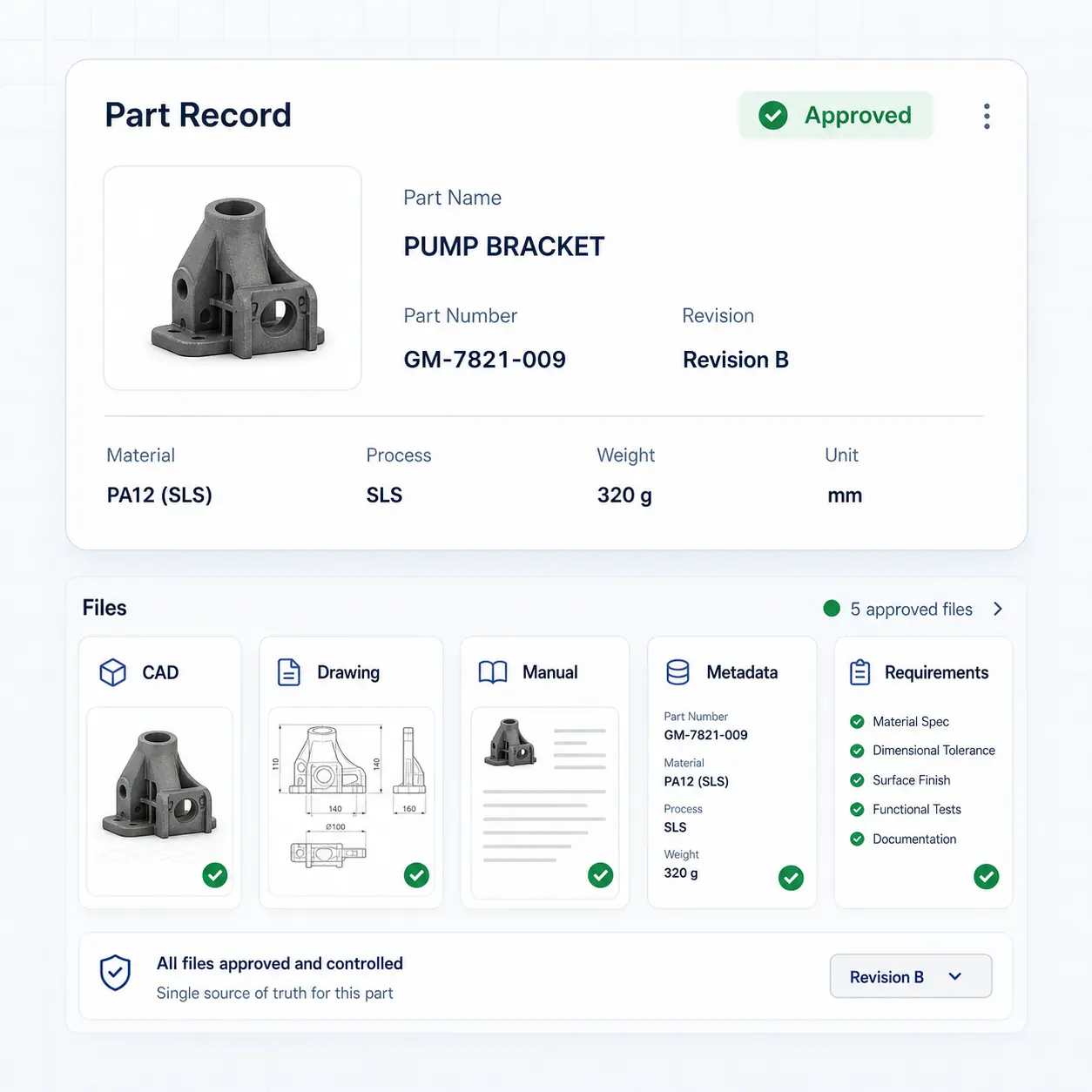
Within the configured scope, the record associates 3D files, requirements, documents and recorded history. Confirmed versioning concerns 3D files.

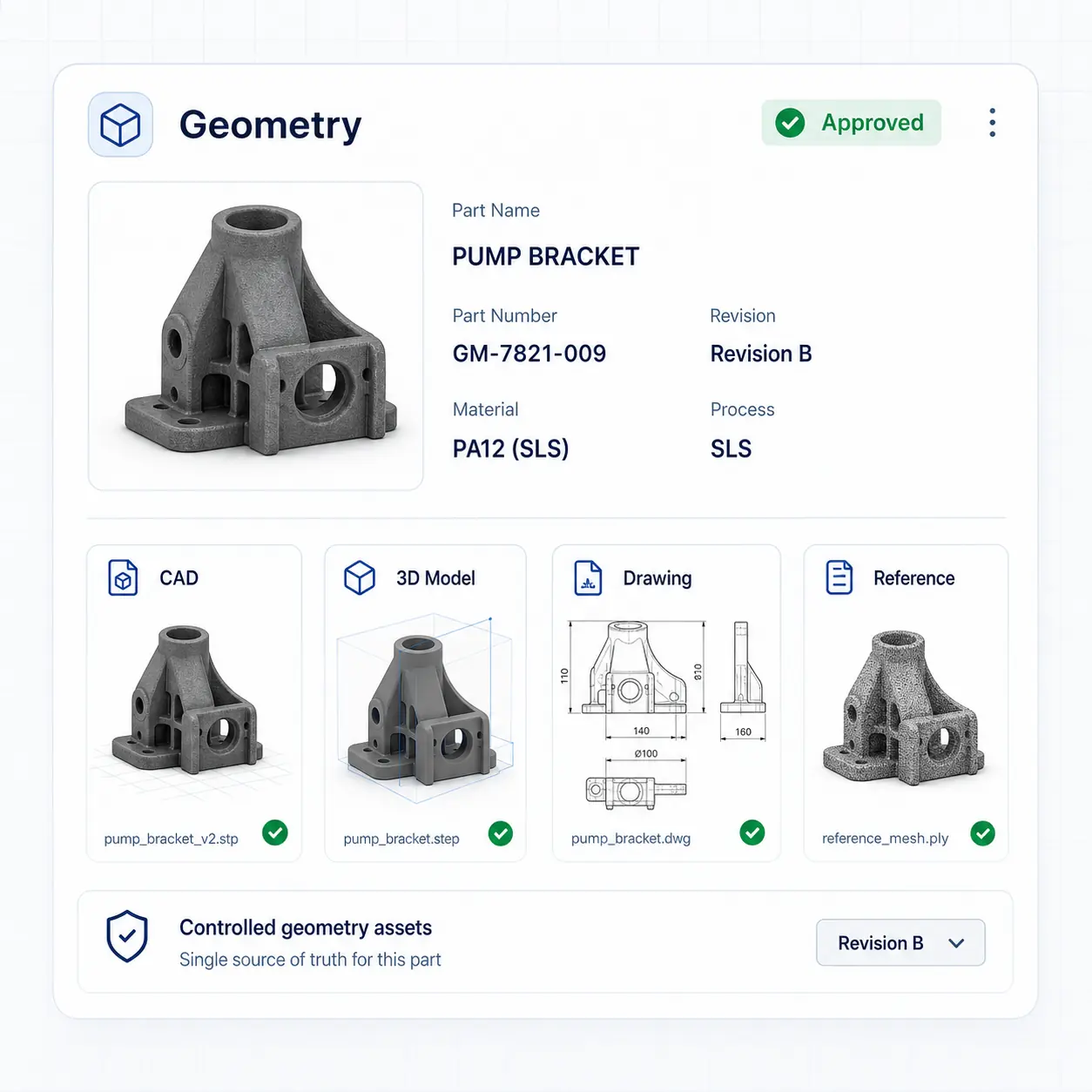
Concept illustration: Geometry.
Concept illustration, not a software screenshot.

Geometry

3D files and versions associated with the record.

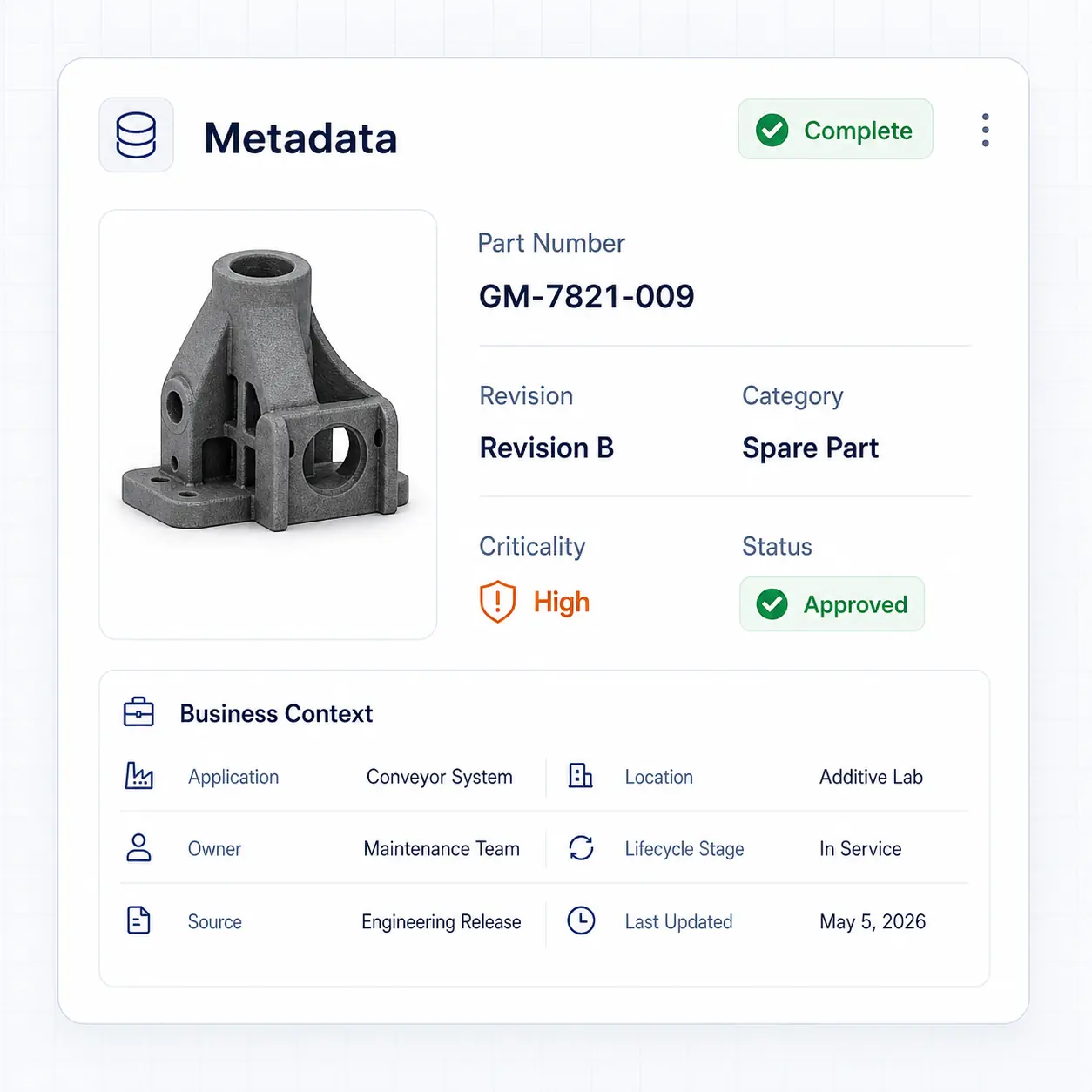
Concept illustration: Metadata.
Concept illustration, not a software screenshot.

Metadata

Reference, description and information used to identify the part.
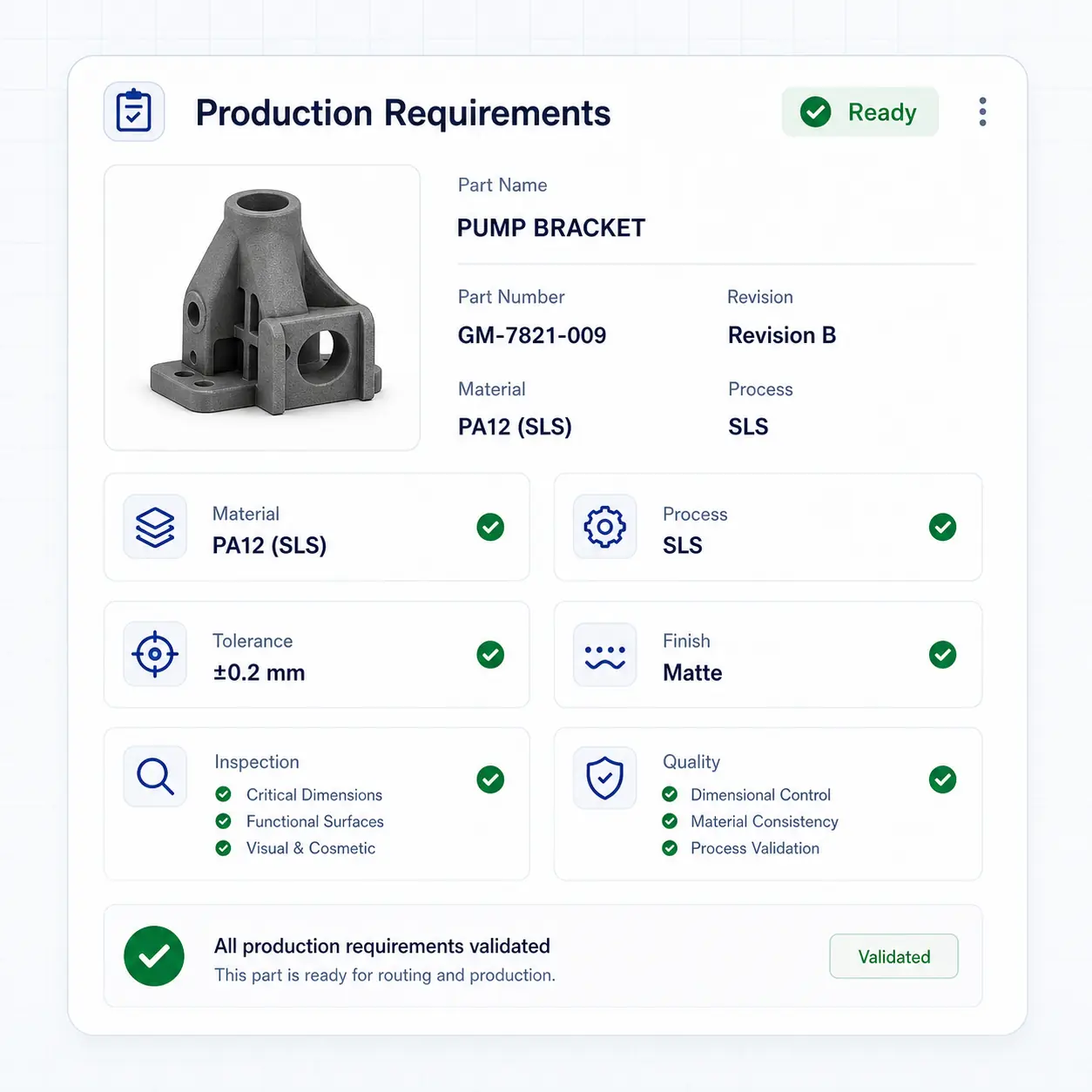
Concept illustration: Production requirements.
Concept illustration, not a software screenshot.

Production requirements

Application, material, process and acceptance criteria to agree.
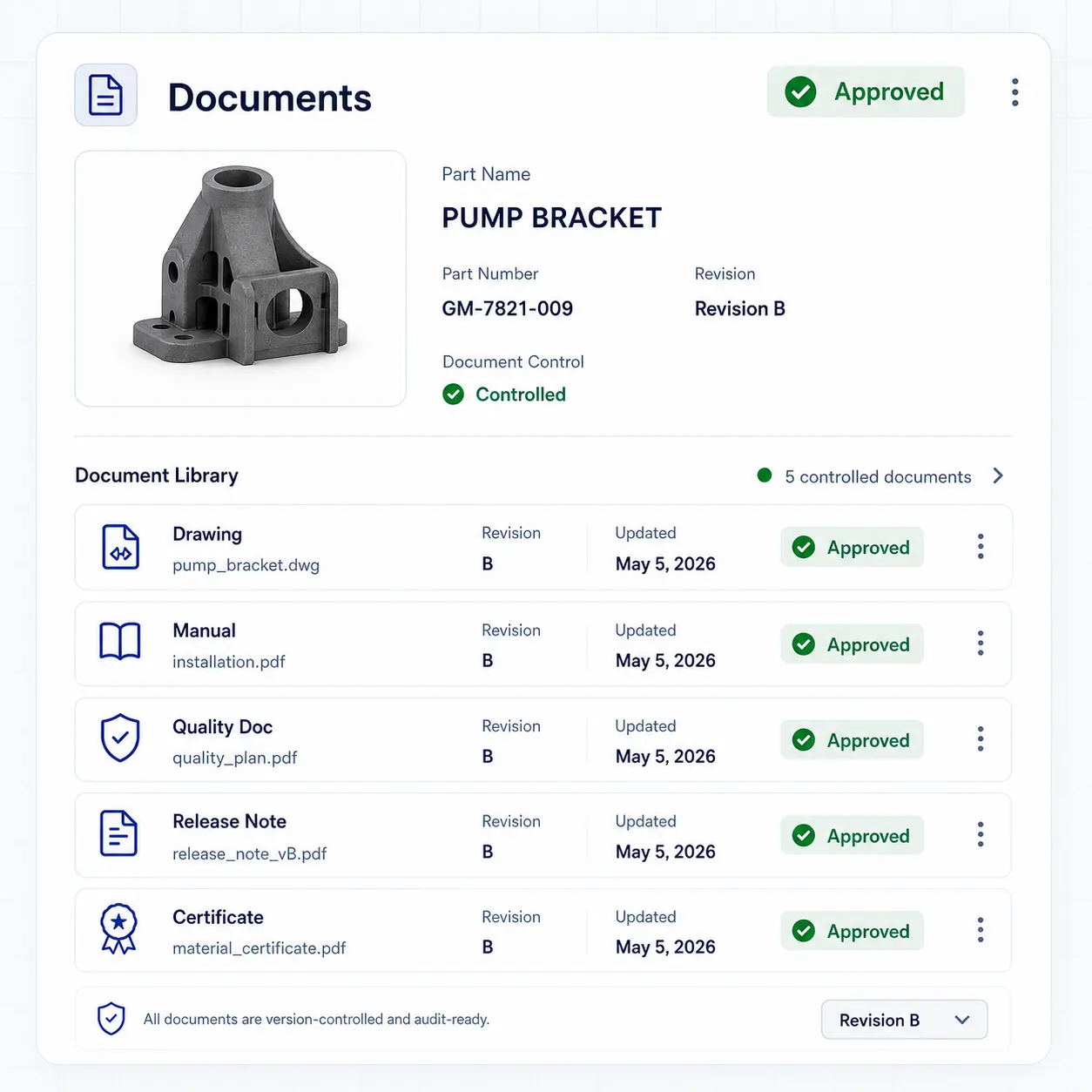
Concept illustration: Documents.
Concept illustration, not a software screenshot.

Documents

Associated documents within the configured scope.
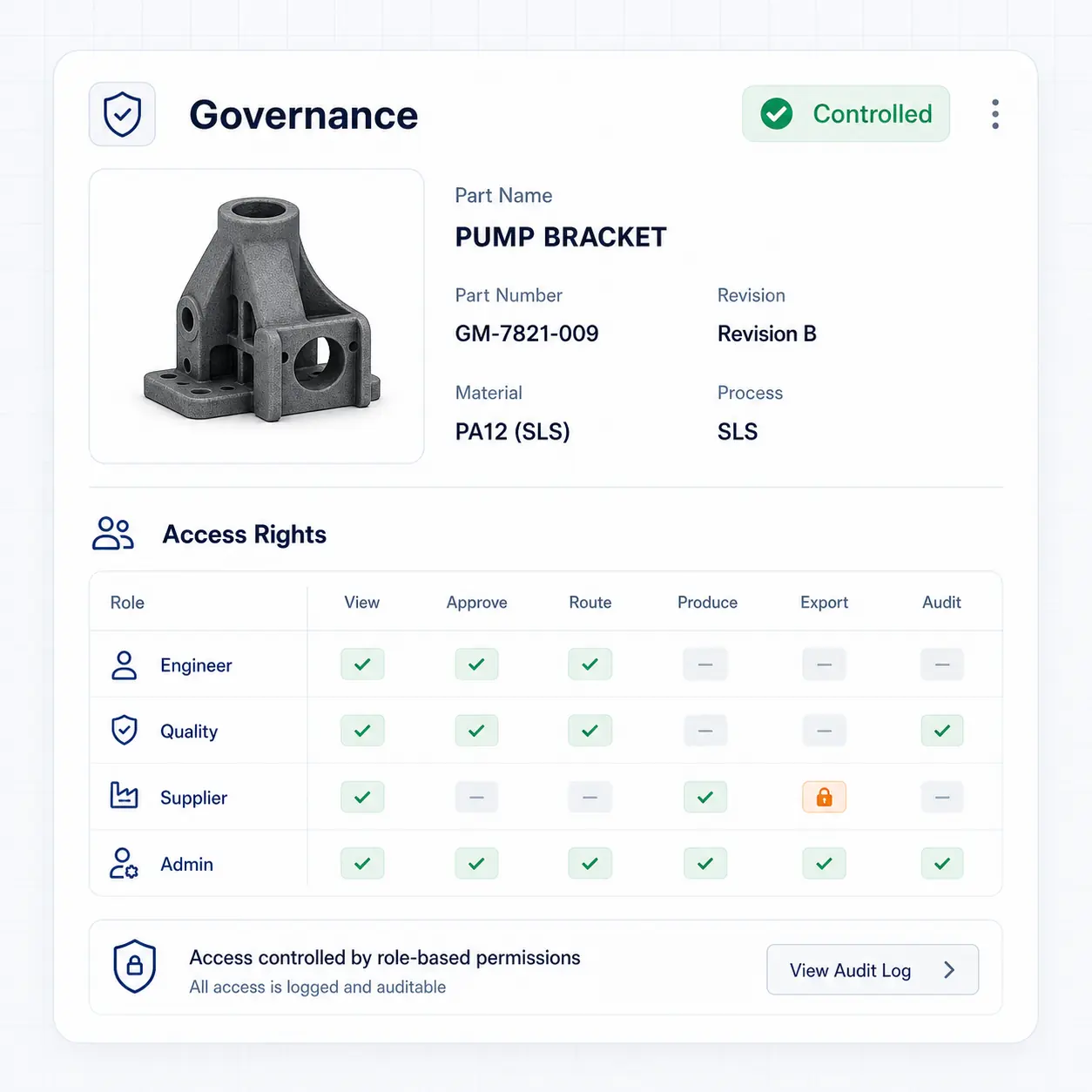
Concept illustration: Rights and governance.
Concept illustration, not a software screenshot.

Rights and governance

Simple Ghost space roles and inter-space sharing when enabled.
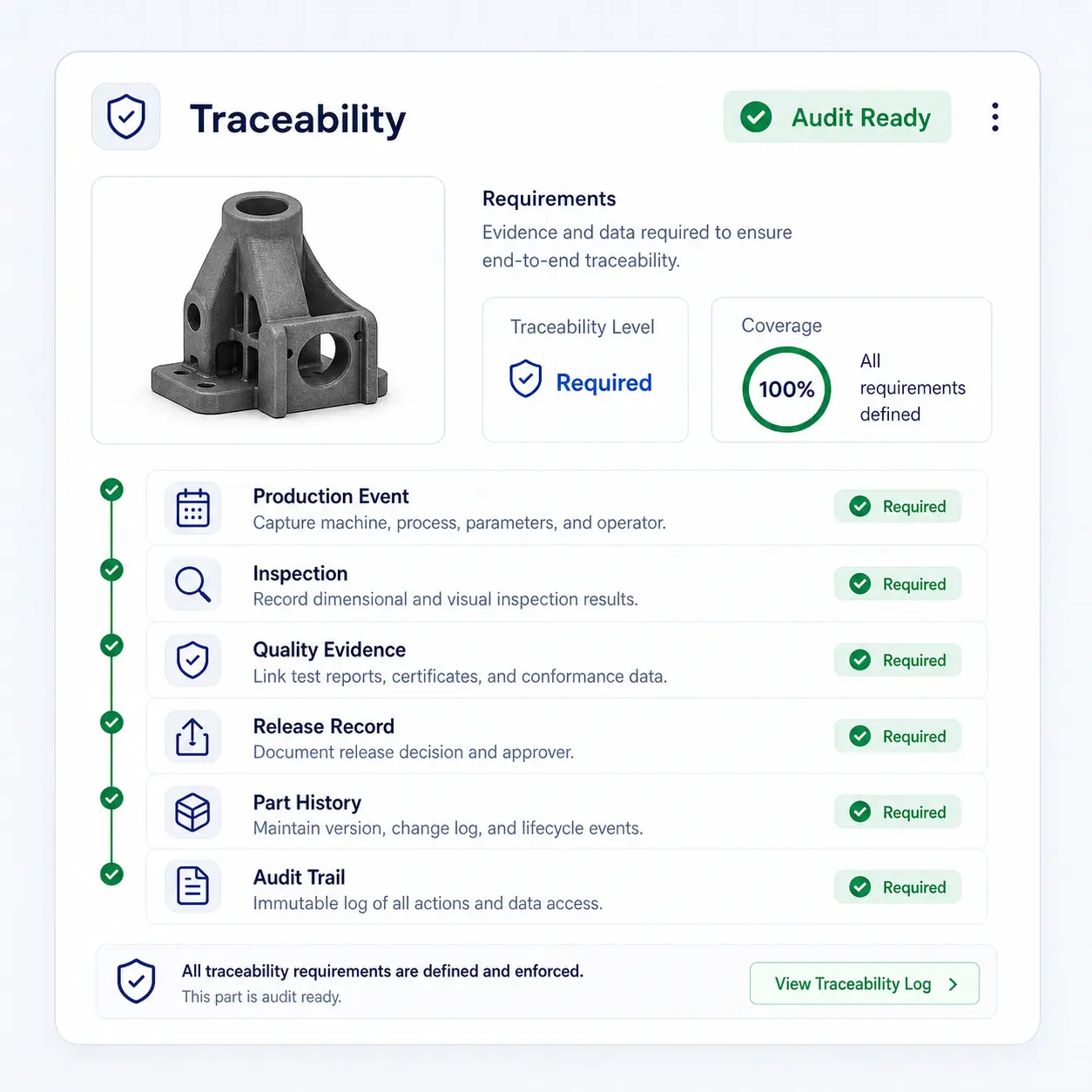
Concept illustration: Traceability requirements.
Concept illustration, not a software screenshot.

Traceability requirements

History of orders and production recorded in GhostMatter.
Organize, prepare and reuse part records

Concept illustration: Store.
Concept illustration, not a software screenshot.

Store

Organize records for selected parts.

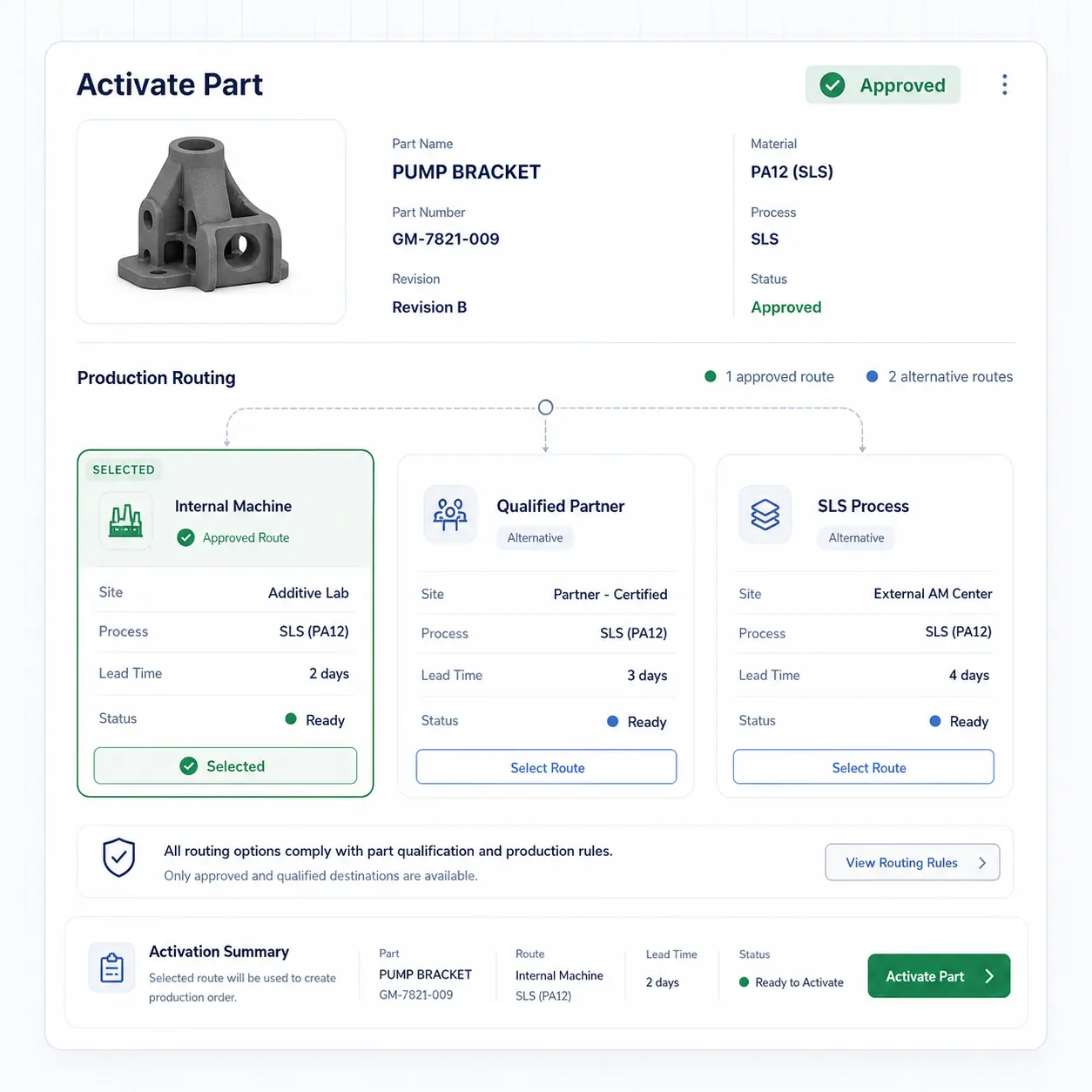
Concept illustration: Prepare for production.
Concept illustration, not a software screenshot.

Prepare for production

Define the conditions and approvals needed before manufacturing with your teams.
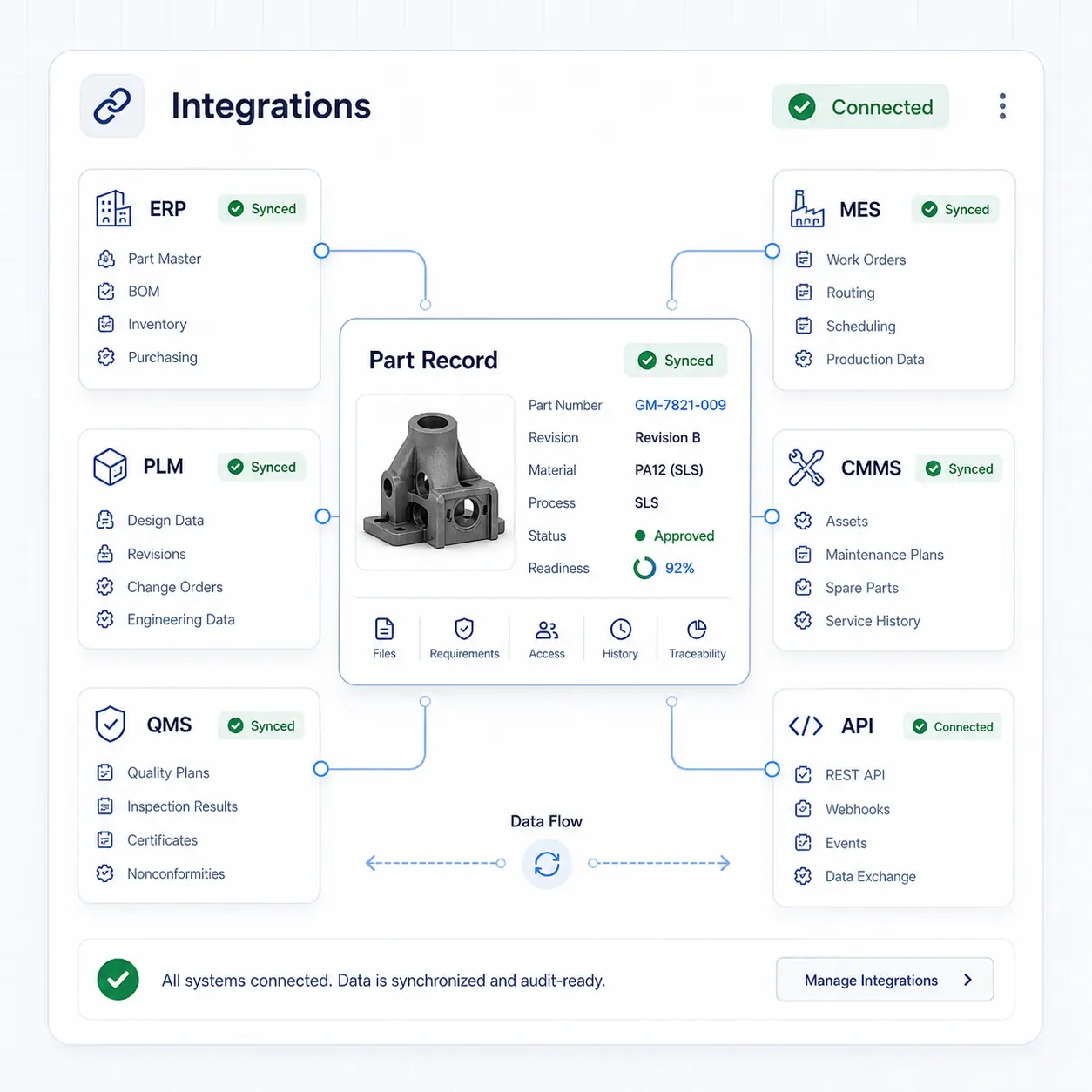
Concept illustration: Integrate.
Concept illustration, not a software screenshot.

Integrate

Scope ERP, MES, PLM or CMMS connections. Development, testing and validation may be needed.
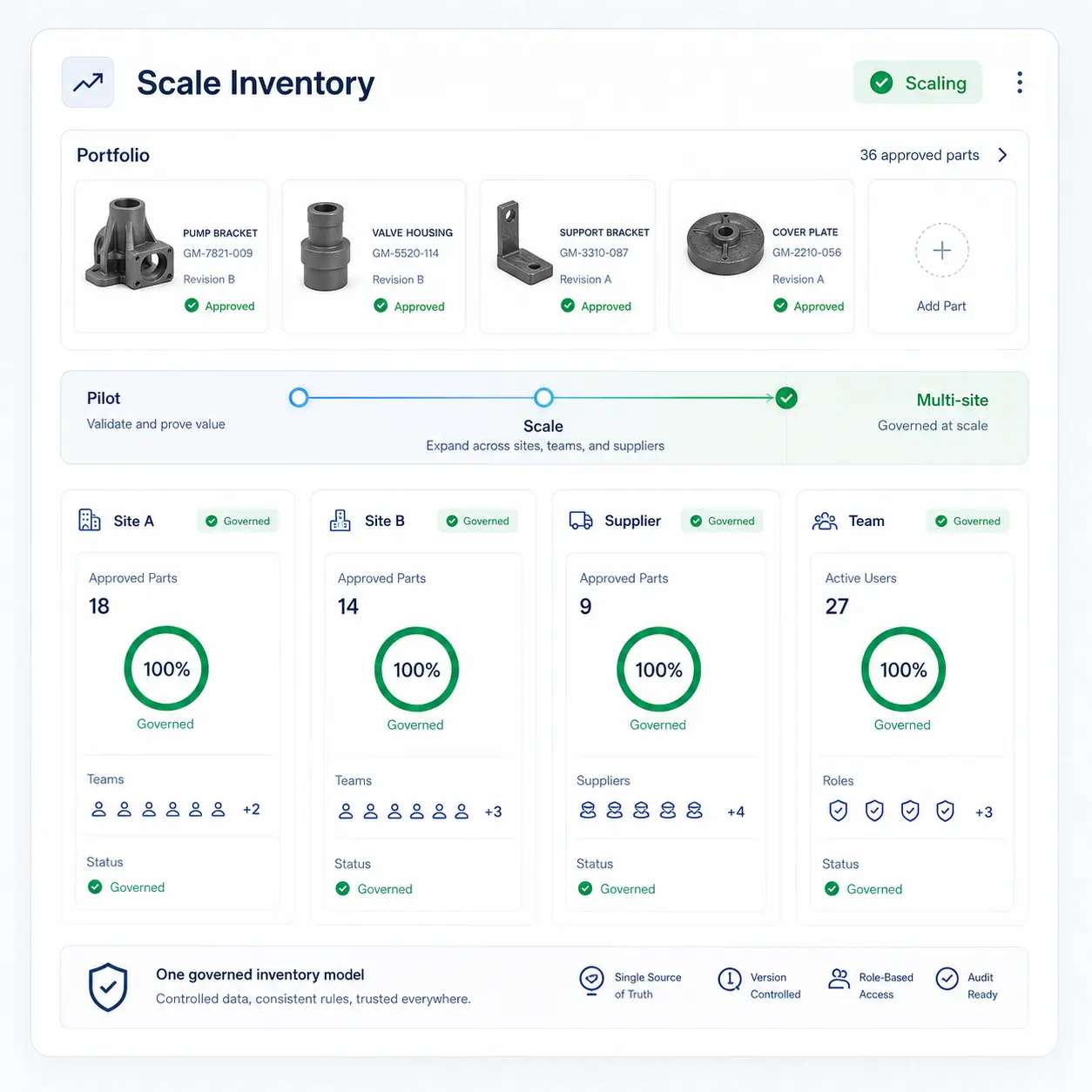
Concept illustration: Scale.
Concept illustration, not a software screenshot.

Scale

Before reusing a record for another asset or site, check application requirements and necessary adaptations.

Which needs should you examine first?

MRO spare partsDowntime risk and unpredictable demandPrepare critical references before urgency
Long-tail spare partsSlow-moving parts tie up cash and spaceReduce physical stock exposure on selected references
Obsolete partsSuppliers stop producing legacy componentsKeep a controlled production path available
Small seriesReordering is slow and fragmentedReuse qualified digital records for repeatable production
Aftermarket catalogsService parts are hard to maintain over timeStructure digital assets for controlled reuse
Distributed productionMultiple sites and partners create governance gapsKeep the digital asset and production evidence centralized

Criteria to review with your teams

Parts are selected according to the need, available data and manufacturing constraints. These criteria guide the industrial conversation; they do not represent an automatic software calculation.
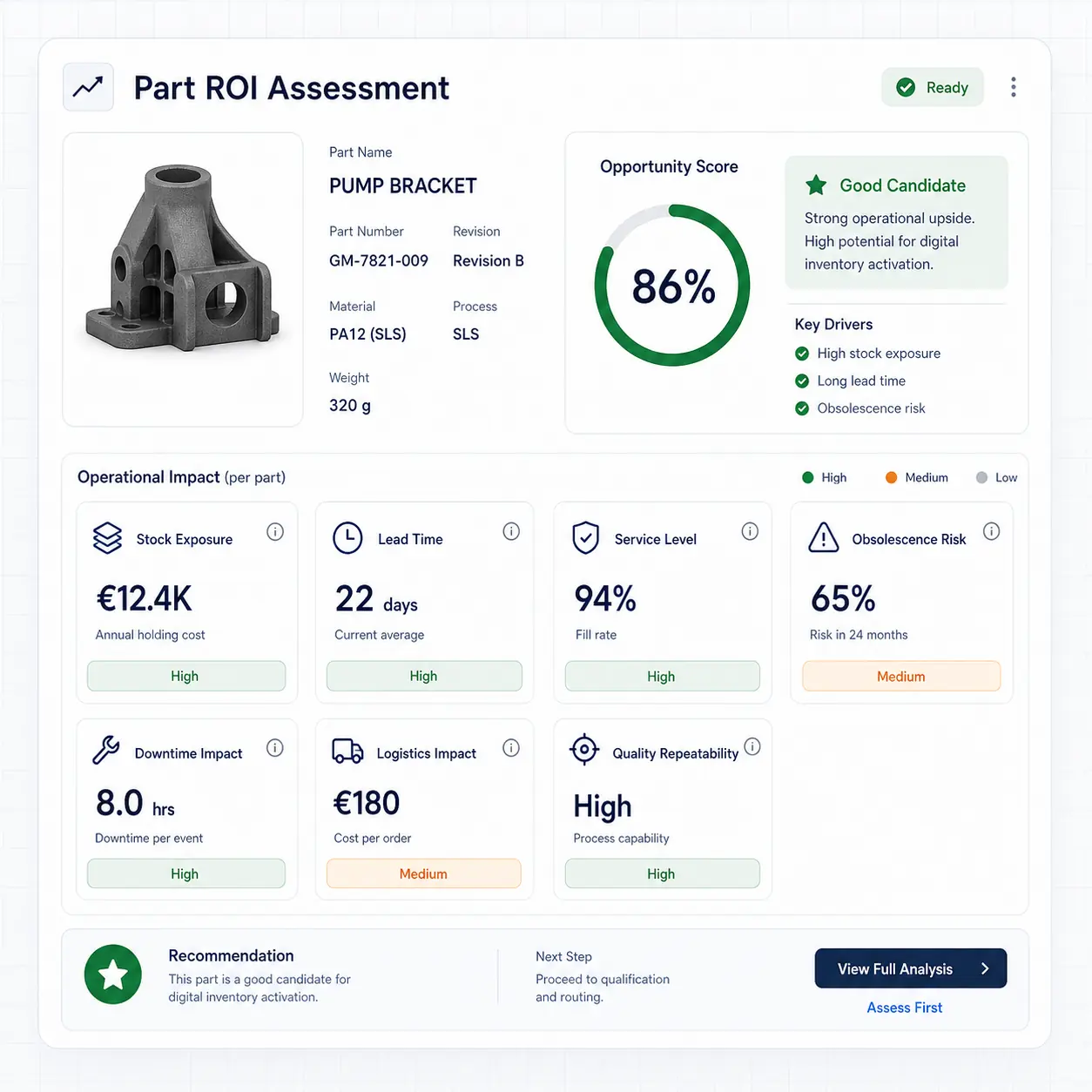
  • Inventory exposure
  • Lead time
  • Service level
  • Obsolescence risk
  • Downtime impact
  • Logistics impact
  • Quality repeatability
Illustration of criteria reviewed when assessing a portfolio of parts.
Concept illustration, not a software screenshot.

Digital inventory only works when it is governed

Simple administrator and user roles organize the Ghost space. Histories cover orders and production recorded in GhostMatter. Inter-space sharing and integrations require an appropriate scope.

  • Administrator and user
  • 3D file versions
  • Human validation
  • Recorded history
  • Inter-space sharing when enabled
  • Environment-specific integrations

Develop your digital inventory.

Start with a defined scope. Complete the records, coordinate approvals and add the selected parts with the organization and support suited to your teams.

FAQ

What is digital inventory?

A collection of records for selected parts. Within the configured scope, they associate 3D files, validation status, documents and recorded history.

Is digital inventory the same as a digital twin?

The digital twin is the reference for one part. Digital inventory brings those references together so associated information can be found.

Does digital inventory replace all physical stock?

No. It complements physical stock for selected parts and does not replace a stock quantity management tool.

Can GhostMatter manage additive manufacturing parts?

Yes, when the application, material, process and quality criteria are defined and the necessary human approvals have been completed.

Can digital inventory connect to ERP or PLM?

Integrations are scoped for your environment. They may require configuration, development, testing and validation; no universal connector is implied.